> ## Documentation Index
> Fetch the complete documentation index at: https://docs.omi.me/llms.txt
> Use this file to discover all available pages before exploring further.
# Introduction
> Welcome to Omi - the world's most advanced open-source AI wearable
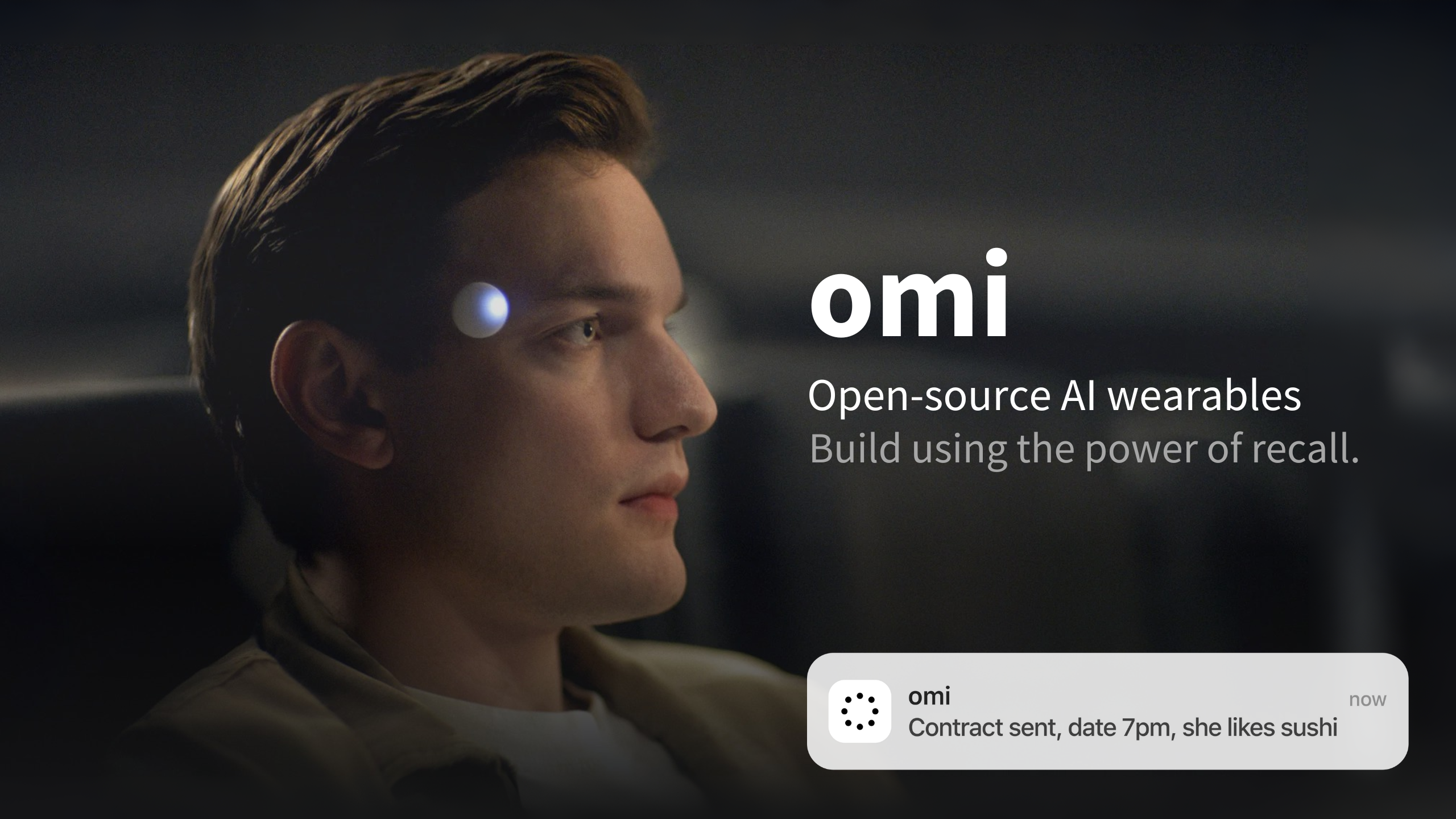 ## Welcome to Omi!
Experience the future of communication with the world's most advanced **open-source AI wearable**. Omi captures, transcribes, and manages your conversations effortlessly, giving you the power to stay focused and productive.
Hardware, firmware, app, and backend - everything is open source and customizable
Your data stays yours - self-host or use our secure cloud infrastructure
24 hours to a few days, depending on device
Real-time speech-to-text capture
Remembers your conversations
Calendar, email, health, and more
***
## Quick Start
New to Omi? Follow these steps to get up and running.
[Buy a pre-built device](https://omi.me/products/friend-dev-kit-2) or [build your own](/doc/assembly/Build_the_device)
Download from the [App Store](https://apps.apple.com/us/app/friend-ai-wearable/id6502156163) or [Google Play](https://play.google.com/store/apps/details?id=com.friend.ios)
Pair your device via Bluetooth and customize your settings
Begin capturing and transcribing your conversations!
***
## For Developers
Build on the Omi platform with our comprehensive developer tools.
Set up the Flutter mobile app for development
Configure the Python/FastAPI backend
Create plugins and integrations
Flash and customize device firmware
***
## Build Your Own Hardware
Build or customize your own Omi device from scratch.
What components you need
Step-by-step assembly instructions
Install firmware on your device
***
## Key Features
Hardware designs, firmware, app, and backend - everything is open source
24 hours to a few days, depending on device
Real-time speech-to-text with speaker identification
AI extracts and remembers key facts from your conversations
Get quick summaries and action items automatically
Extend functionality with community-built apps
***
## Get the App
***
## Products & Repositories
Hardware designs and firmware
Flutter app for iOS and Android
Web-based AI persona system
***
## Contribute
We welcome contributions from the community!
* Read our [Contribution Guide](/doc/developer/Contribution)
* Check [current issues](https://github.com/BasedHardware/Omi/issues)
* Earn from contributing with [paid bounties](https://omi.me/bounties)
Connect with other Omi users and developers.
* Join our [Discord](http://discord.omi.me)
* Follow us on [Twitter/X](https://twitter.com/omiHQ)
* Star us on [GitHub](https://github.com/BasedHardware/omi)
Extend Omi's capabilities with your own apps.
* [App Development Guide](/doc/developer/apps/Introduction)
* [Chat Tools](/doc/developer/apps/ChatTools)
* [External Triggers](/doc/developer/apps/Integrations)
## Welcome to Omi!
Experience the future of communication with the world's most advanced **open-source AI wearable**. Omi captures, transcribes, and manages your conversations effortlessly, giving you the power to stay focused and productive.
Hardware, firmware, app, and backend - everything is open source and customizable
Your data stays yours - self-host or use our secure cloud infrastructure
24 hours to a few days, depending on device
Real-time speech-to-text capture
Remembers your conversations
Calendar, email, health, and more
***
## Quick Start
New to Omi? Follow these steps to get up and running.
[Buy a pre-built device](https://omi.me/products/friend-dev-kit-2) or [build your own](/doc/assembly/Build_the_device)
Download from the [App Store](https://apps.apple.com/us/app/friend-ai-wearable/id6502156163) or [Google Play](https://play.google.com/store/apps/details?id=com.friend.ios)
Pair your device via Bluetooth and customize your settings
Begin capturing and transcribing your conversations!
***
## For Developers
Build on the Omi platform with our comprehensive developer tools.
Set up the Flutter mobile app for development
Configure the Python/FastAPI backend
Create plugins and integrations
Flash and customize device firmware
***
## Build Your Own Hardware
Build or customize your own Omi device from scratch.
What components you need
Step-by-step assembly instructions
Install firmware on your device
***
## Key Features
Hardware designs, firmware, app, and backend - everything is open source
24 hours to a few days, depending on device
Real-time speech-to-text with speaker identification
AI extracts and remembers key facts from your conversations
Get quick summaries and action items automatically
Extend functionality with community-built apps
***
## Get the App
***
## Products & Repositories
Hardware designs and firmware
Flutter app for iOS and Android
Web-based AI persona system
***
## Contribute
We welcome contributions from the community!
* Read our [Contribution Guide](/doc/developer/Contribution)
* Check [current issues](https://github.com/BasedHardware/Omi/issues)
* Earn from contributing with [paid bounties](https://omi.me/bounties)
Connect with other Omi users and developers.
* Join our [Discord](http://discord.omi.me)
* Follow us on [Twitter/X](https://twitter.com/omiHQ)
* Star us on [GitHub](https://github.com/BasedHardware/omi)
Extend Omi's capabilities with your own apps.
* [App Development Guide](/doc/developer/apps/Introduction)
* [Chat Tools](/doc/developer/apps/ChatTools)
* [External Triggers](/doc/developer/apps/Integrations)

