> ## Documentation Index
> Fetch the complete documentation index at: https://docs.omi.me/llms.txt
> Use this file to discover all available pages before exploring further.
# Get Started with Omi
> Choose your device and get started with Omi
## Choose Your Device
Select your Omi device to get started with the specific setup guide:
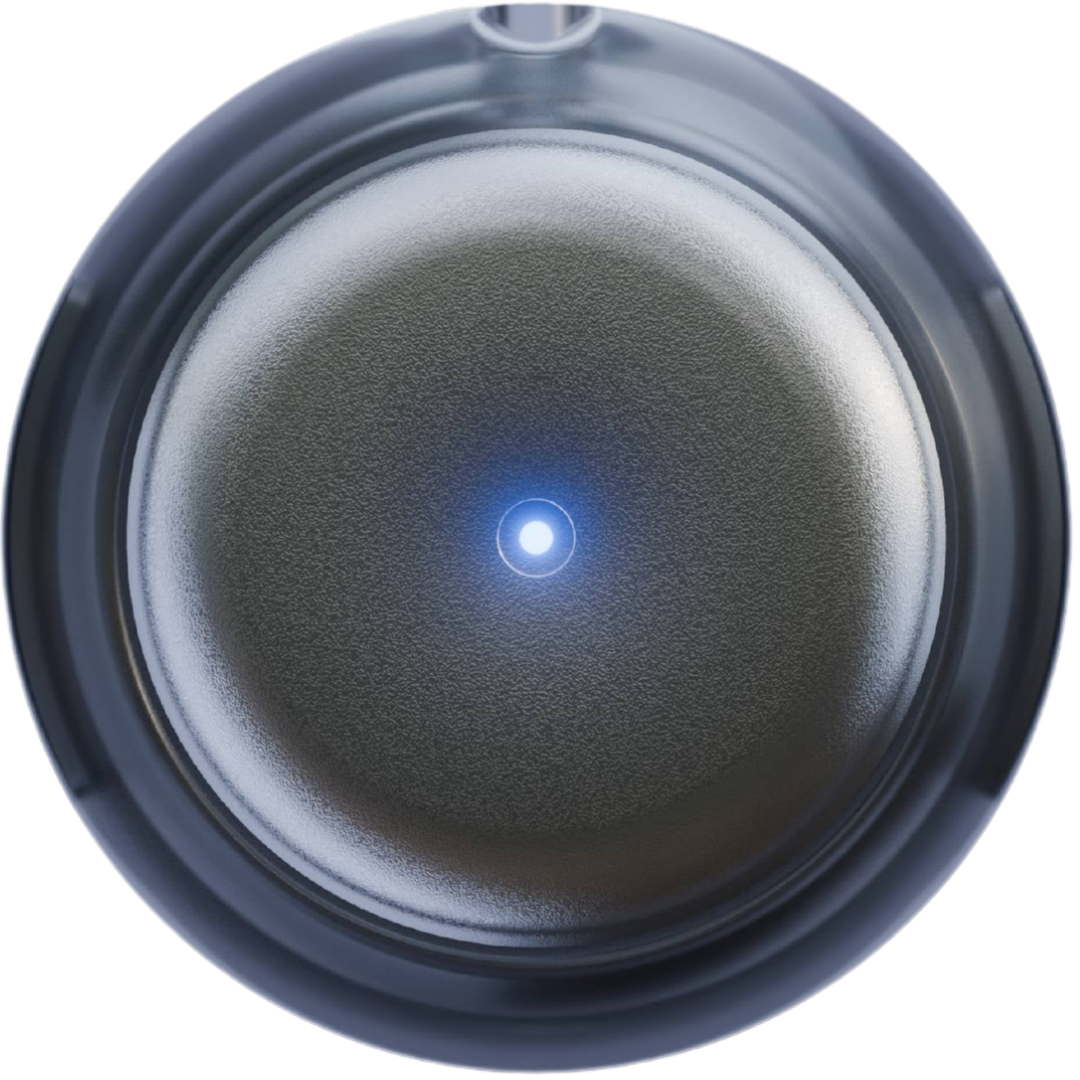 The standard Omi wearable AI device
 Developer kit for building and testing
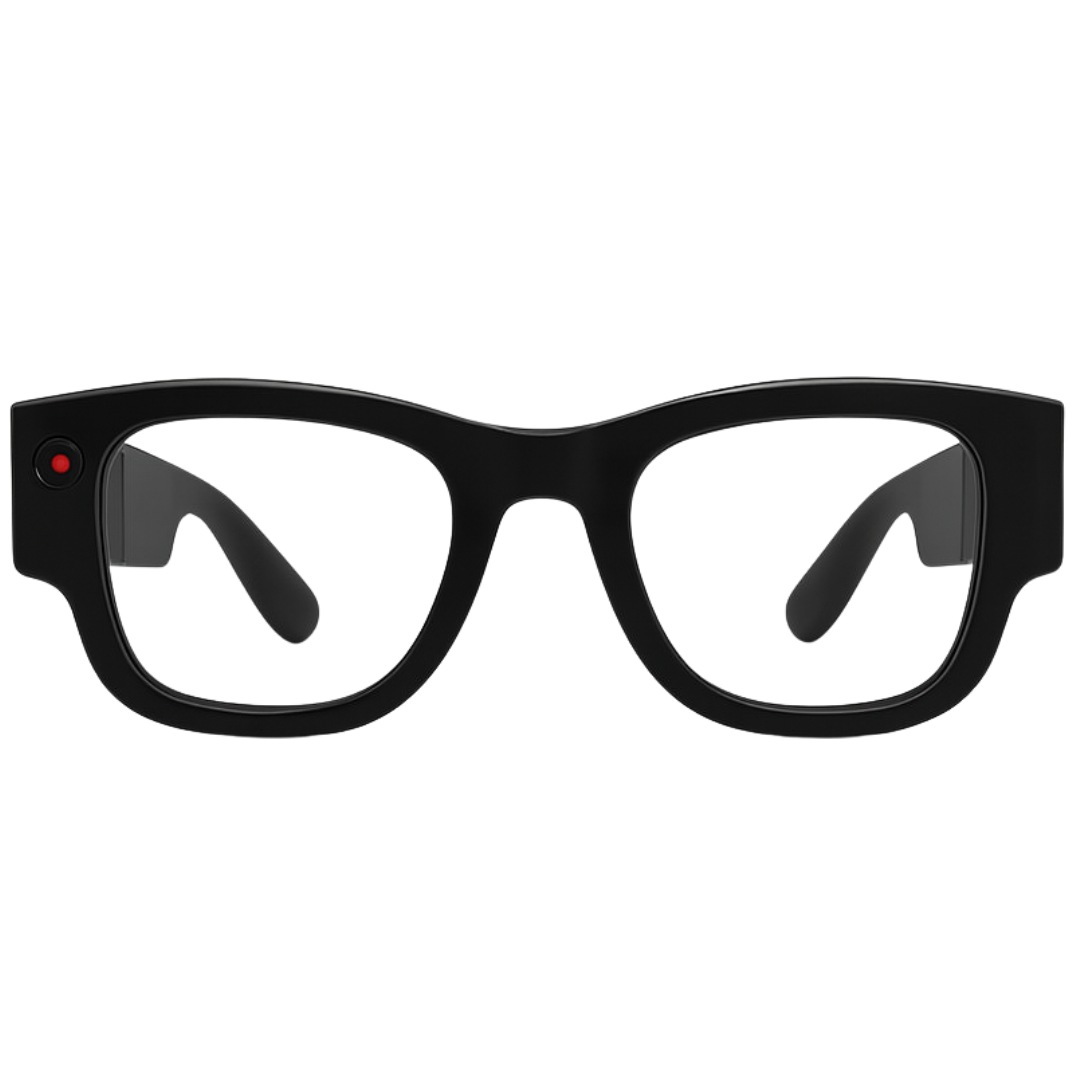 Smart glasses with Omi capabilities
***
## Key Features
Hardware, firmware, and software - all open source
Real-time speech-to-text as you speak
AI-powered memory of your conversations
Works without internet connection
Extend functionality with community apps
Identifies who said what
***
## Frequently Asked Questions
You can build your own Omi app in just 2 minutes! Check out the [Apps Introduction Guide](/doc/developer/apps/Introduction) to get started.
Conversations are stored on our secure cloud infrastructure. Your data is protected, and you can delete everything with one click in the Omi app settings.
If you don't see any light or transcription:
1. Your device might need firmware - [install it here](/doc/get_started/Flash_device)
2. Make sure the device is charged
3. Try turning it off and on again
If the issue persists, ask in [Discord](http://discord.omi.me) or contact [help@omi.me](mailto:help@omi.me) for a replacement.
You can update firmware directly in the app: **Settings → Device Settings → Update Firmware**
For manual updates, see the [Firmware Update Guide](/doc/get_started/Flash_device).
***
## Need Help?
Get help from the community and team
Browse FAQs and support articles
Create your own Omi integrations
View issues and bounties
For delivery and shipping questions, email [team@basedhardware.com](mailto:team@basedhardware.com)
Smart glasses with Omi capabilities
***
## Key Features
Hardware, firmware, and software - all open source
Real-time speech-to-text as you speak
AI-powered memory of your conversations
Works without internet connection
Extend functionality with community apps
Identifies who said what
***
## Frequently Asked Questions
You can build your own Omi app in just 2 minutes! Check out the [Apps Introduction Guide](/doc/developer/apps/Introduction) to get started.
Conversations are stored on our secure cloud infrastructure. Your data is protected, and you can delete everything with one click in the Omi app settings.
If you don't see any light or transcription:
1. Your device might need firmware - [install it here](/doc/get_started/Flash_device)
2. Make sure the device is charged
3. Try turning it off and on again
If the issue persists, ask in [Discord](http://discord.omi.me) or contact [help@omi.me](mailto:help@omi.me) for a replacement.
You can update firmware directly in the app: **Settings → Device Settings → Update Firmware**
For manual updates, see the [Firmware Update Guide](/doc/get_started/Flash_device).
***
## Need Help?
Get help from the community and team
Browse FAQs and support articles
Create your own Omi integrations
View issues and bounties
For delivery and shipping questions, email [team@basedhardware.com](mailto:team@basedhardware.com)